Science & techIssue iPhone Duo release date and price: what's new in Apple's first foldable?
Q. eSIM vs SIM card: what is an eSIM, and why is iPhone Duo eSIM-only?
The iPhone Duo, Apple’s first foldable, has no SIM (subscriber identity module) tray at all: every model, in every country, is eSIM-only. If you have always moved a tiny plastic card from phone to phone, that is a big change. So what exactly is an eSIM, and how is it different from a SIM card?
The short answer: an eSIM is a SIM built into the phone as a chip, and instead of inserting a card, you download your carrier’s details onto it. It does the same job as a SIM card, proving to the network that the number is yours. What changes is how you get it: by scanning a QR (Quick Response) code, through a carrier app, or by transferring it from your old phone.

What is an eSIM?
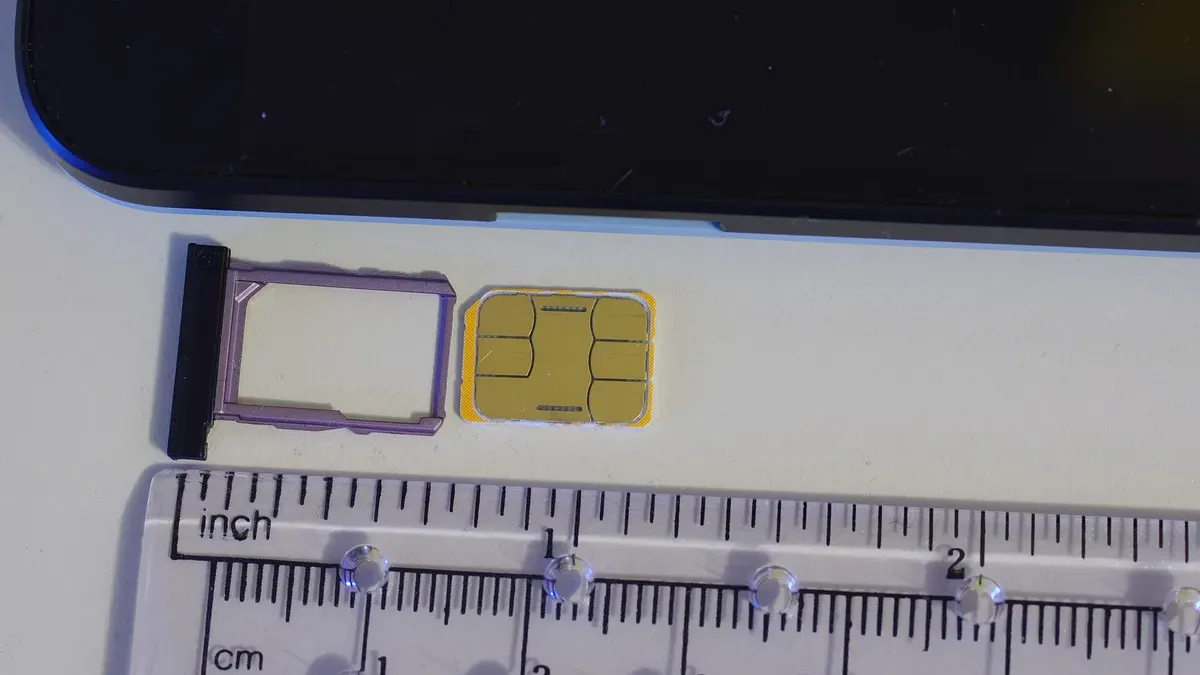
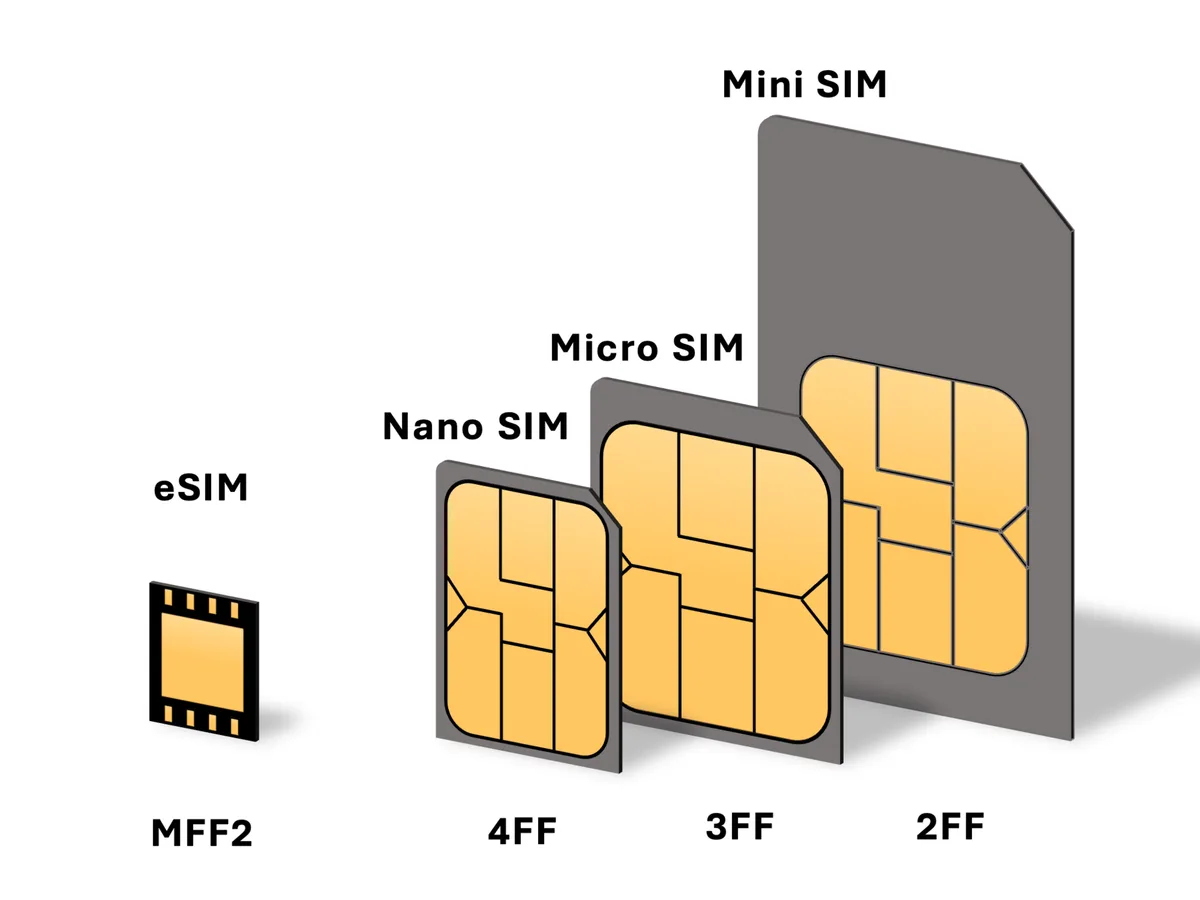
Start with the SIM card. A SIM is the fingernail-sized card that sits in your phone’s SIM tray. The chip on it holds the credentials your carrier checks before it lets your phone onto its network. According to the GSMA (GSM Association), the global association of mobile operators, SIM cards have done this job for more than 25 years.
The “e” in eSIM stands for embedded. Under the approach the GSMA defined, a secure chip is built permanently into the device, and the SIM itself is downloaded onto it later. The bundle of carrier details you download is called a profile.
eSIM vs SIM card: what’s the difference?
| SIM card | eSIM | |
|---|---|---|
| What it is | A small card in a tray | A chip built into the phone |
| How you activate it | Insert the card | Scan a QR code, use a carrier app, or transfer it |
| Switching phones | Move the card across | Transfer it, or get a new eSIM from your carrier |
| More than one number | One card, one number | iPhone stores 8 or more; iPhone 13 and later run 2 at once |
| Broken or lost phone | Put the card in another phone | Can’t be removed, so your carrier issues it again |
| Travel | Swap in a local SIM card | Add a travel eSIM and keep your home number on |
The difference you will notice most is with numbers. Apple says an iPhone can hold eight or more eSIMs, and iPhone 13 and later can keep two of them active at once (Dual SIM). That lets you keep separate work and personal numbers on one phone, or add a local data plan abroad while your home number stays on. iPhone uses one line for cellular data at a time, which you pick in Settings > Cellular > Cellular Data.
The flip side: if your phone breaks, you can’t pull the eSIM out and put it in a spare. But nobody can pull it out of a lost or stolen phone either, which is why Apple calls eSIM more secure than a physical SIM.
How do you activate an eSIM or move it to a new iPhone?
First, check that both your phone and your carrier support eSIM. On iPhone, that means an iPhone XS, XS Max, XR or later. Then, depending on your carrier, there are a few routes:
- eSIM Carrier Activation: when you buy an iPhone from a carrier, it can assign the eSIM digitally, or do so later when you contact it.
- QR code or carrier app: your carrier gives you a QR code to scan with the camera, or you set the eSIM up in its app.
- eSIM Quick Transfer: you move the eSIM from your old iPhone to the new one without contacting your carrier, and some carriers let you convert a physical SIM card this way too. Both phones must be signed in to your Apple Account and running iOS 18.4 or later, close together with Bluetooth on, with the old one unlocked.

Quick Transfer only works if your carrier supports it, and support varies by country. In South Korea, for example, Apple’s carrier list (checked on 17 October 2026) names SK Telecom, KT and LG U+ for carrier activation and for QR codes and apps, but no carrier for Quick Transfer. Quick Transfer also needs your old iPhone unlocked and nearby, so it is no help if that phone is broken, lost or stolen. In that case, contact your carrier, which can assign a new eSIM to your replacement phone. If the phone was stolen, Apple advises reporting it to your carrier and asking it to suspend your account.
Is an eSIM more secure than a SIM card?
In one way, yes: a thief can’t slip your eSIM into another phone. But an eSIM is not hack-proof. The GSMA, which defined the technology, describes its security as equivalent to that of a removable SIM card.
The bigger risks sit with your carrier. In April 2025, South Korea’s SK Telecom said it had found signs that a cyberattack leaked customers’ USIM (universal subscriber identity module) data, and it began offering free SIM replacements. With SIM cards running short, Korean press reported that daily eSIM sign-ups among its customers rose about fortyfold. Government investigators later reported that 28 of the company’s servers had been attacked. A leak from a carrier’s servers is not something the card or chip in your pocket can stop.
Carrier accounts are a target too. In March 2024, BleepingComputer reported on SIM swappers who logged into victims’ mobile accounts with stolen or leaked passwords, generated a QR code for a new eSIM and moved the victims’ numbers to their own phones, which let them receive codes sent by banks. If you use an eSIM, guard your carrier account like a bank account: use a strong, unique password and turn on two-factor authentication if your carrier offers it.
Why is iPhone Duo eSIM-only?
Apple’s answer is battery. The company says dropping the SIM tray on every model, worldwide, saves internal space, which goes toward maximizing battery capacity. The foldable carries one battery in each half. Apple also notes that eSIM is an industry standard supported by more than 500 carriers worldwide, and that using it requires a carrier and plan that support eSIM.
If your current phone uses a physical SIM, iPhone Duo has nowhere to put it. Before you buy, check that your carrier supports eSIM on your plan and ask how it converts a SIM card to an eSIM. Keep your carrier account login handy too, since setting up or reissuing an eSIM online usually needs it.
In short
An eSIM is a SIM built into your phone: it does the same job as a SIM card, but you download it instead of inserting it. iPhone Duo is eSIM-only to make room for battery, so check your carrier’s eSIM support before you buy, and protect your carrier account, because an eSIM is not hack-proof.
More from this issue
 iPhone Duo release date and price: what's new in Apple's first foldable?
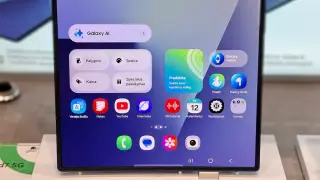 Why do foldable phones have a crease, and does the iPhone Duo have one?
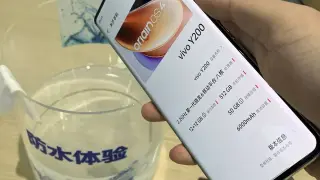 What does IP68 mean, and can you shower with a waterproof phone?
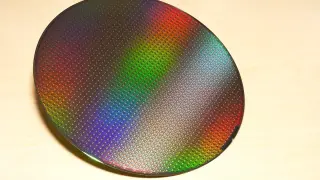 What does 2nm mean? 2nm vs 3nm, and is a 2nm chip really 2 nanometers?
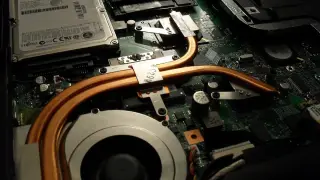 What is a vapor chamber, and how does it cool a phone?
People also ask
Can I switch from a physical SIM to an eSIM?
Yes, if your phone and your carrier support eSIM, and you keep the same number. Some carriers let you convert the SIM in your iPhone to an eSIM yourself; otherwise, your carrier can issue one for you. iPhone XS, XS Max, XR and later models support eSIM.
What are the downsides of an eSIM?
If your phone breaks, you can't move the eSIM to another phone by hand, so your carrier has to issue it again. Phones without eSIM support can't use one. And criminals who break into your carrier account may be able to move your number to a new eSIM, so protect that account with a strong password and two-factor authentication.
How do I use an eSIM when traveling?
Buy a travel eSIM from a local carrier or a worldwide provider and install it with a QR code or app. Supported iPhones can keep your home eSIM and the travel eSIM active at the same time; choose the travel eSIM for cellular data, and check your home carrier's roaming fees, which can still apply.
Sources
- Apple Newsroom - Apple unveils iPhone Duo (9 Sep 2026)
- Apple Support - Set up eSIM on iPhone
- Apple Support - Use eSIM while traveling internationally with your iPhone
- GSMA - eSIM: The SIM for the next generation of connected devices
- BleepingComputer - SIM swappers hijacking phone numbers in eSIM attacks (14 Mar 2024)
- SBS Biz (Korean) - eSIM sign-ups after the SK Telecom hack (10 May 2025)
- Seoul Shinmun (Korean) - Government finds SK Telecom responsible for the USIM data leak (4 Jul 2025)